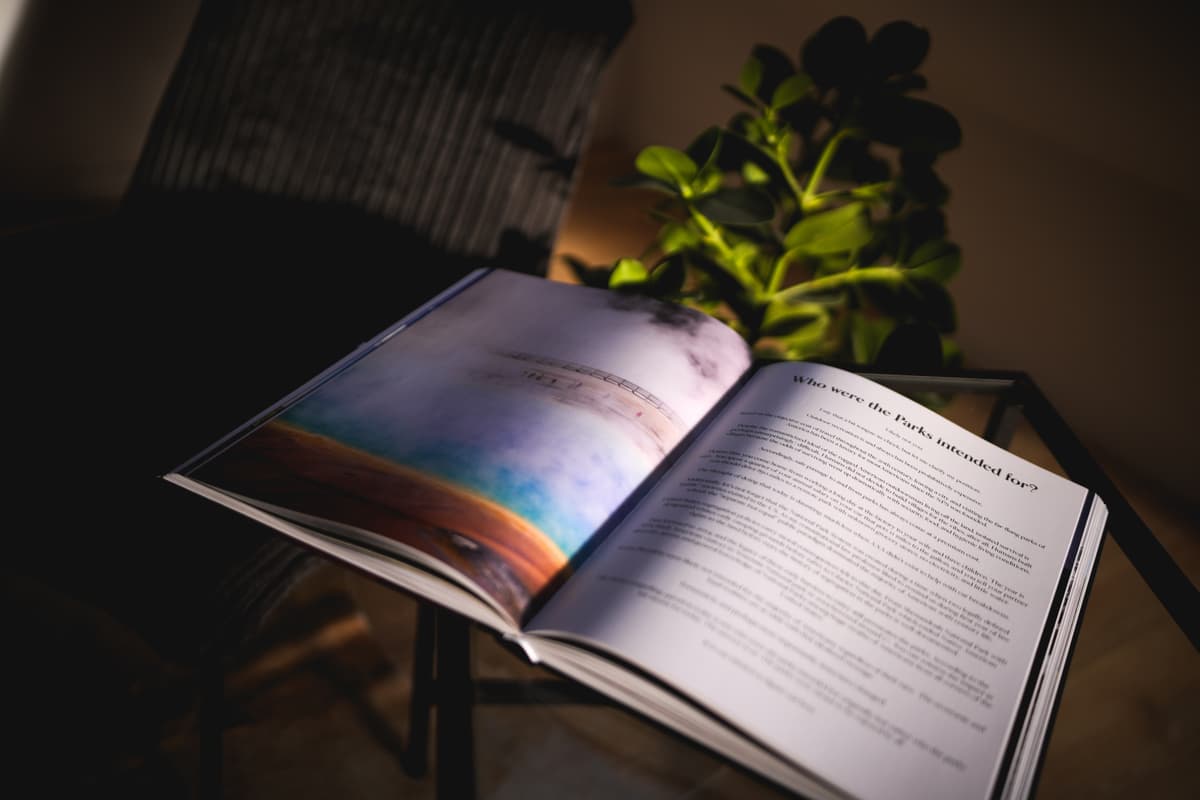
Community begins at the end of every book.
Bookend lets authors and readers connect beyond the page.
The official registration authority for Book and Magazine IPFNs · swipe right to explore

The flow
Authors create a digital companion for their books — context, extras and a registered claim readers can look up.
Create your Bookend→Readers engage with authors and other readers — communities form around the books they love.
Keep a book's extras and conversations together. Its IPFN links the registration; community posts are separate, not automatically anchored.

Use cases
Q&As, behind-the-scenes content, a loyal community that feels truly tied to the work.
A dedicated space for discussions, annotations, and shared reading journeys.
Students and educators collaborate, share notes, build a lasting archive of knowledge.
From sci-fi to poetry — a shared home for the books, questions and ideas that bring people together.
Standards
A registered Bookend receives an IPFN — an International Pinned File Number linking the book to its registration claim. The number is a lookup key, not a content hash or an independent ruling on authorship. Drafting, registration and blockchain anchoring are separate steps.
Open the record to see its current pin and ledger status. A successful IPFS pin stores the registration manifest; a confirmed Base transaction anchors its ledger fingerprint. Neither status is implied by simply creating a Bookend, and neither automatically archives its conversations.
BKS-z7.3pfn.xyzexample identifier · BKS = book, MAG = magazine, LENS = image
Physical companion
Bookend isn't only digital. Authors can plan a physical print run alongside their Bookend. Add its QR code to the print design so readers can scan the finished book and return to its companion page.
Connect the campaign, reader interest and the book's community. Ordering and fulfillment depend on the run's published offer; joining an interest list does not purchase a copy.
Where to next
The corridor ends where your book begins — browse the shelf, back a run, or open a blank record and start writing your room.
